
Analyse 1
Stereo, waveform and spectrum
Goniometer
Section titled “Goniometer”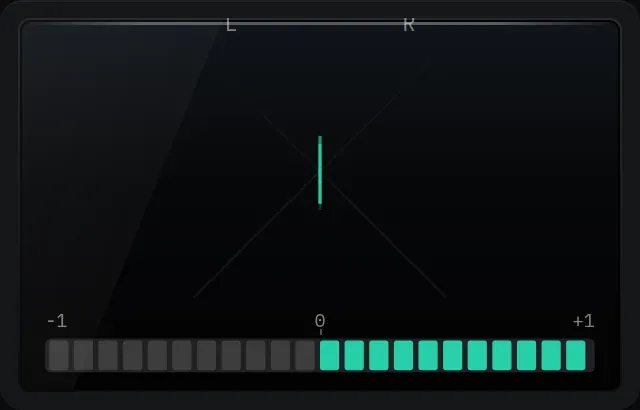
The goniometer and correlation bar.
A stereo vector scope with a correlation meter underneath. A thin vertical line means mono, a wide cloud means a wide mix, and a trace leaning to one side means one channel is louder.
The correlation bar reads from −1 to +1 and should mostly sit on the right. If it keeps lighting up red on the left, part of your mix is out of phase and will lose level, or disappear, in mono.
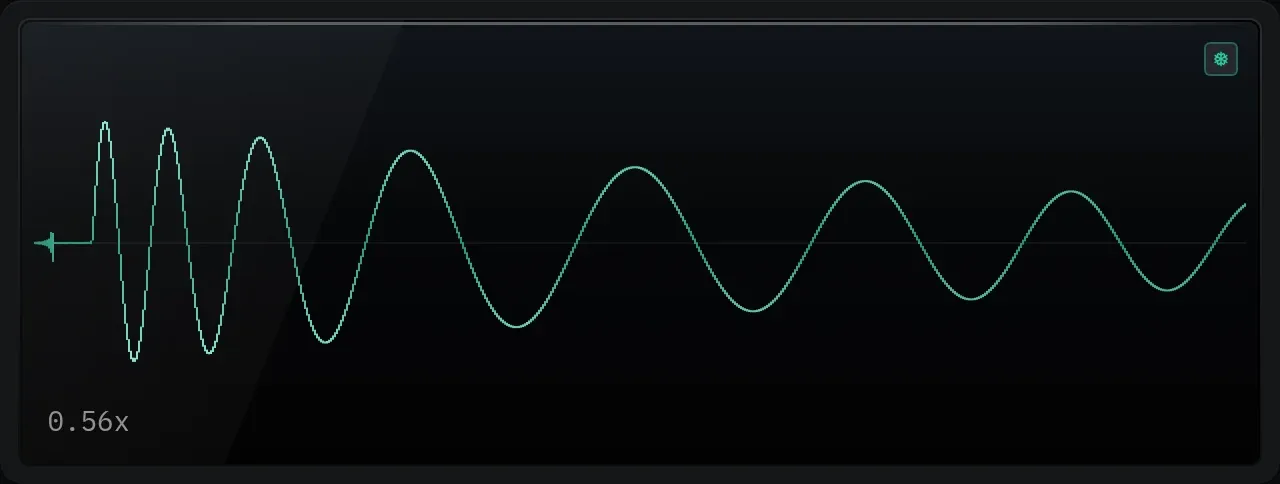
The scope. The zoom amount shows in the bottom left corner.
A waveform that triggers on rising zero crossings, so a steady tone stands still instead of sliding across the screen. Scroll over it to zoom the time axis. The trace gets brighter as the signal gets louder.
Spectrum
Section titled “Spectrum”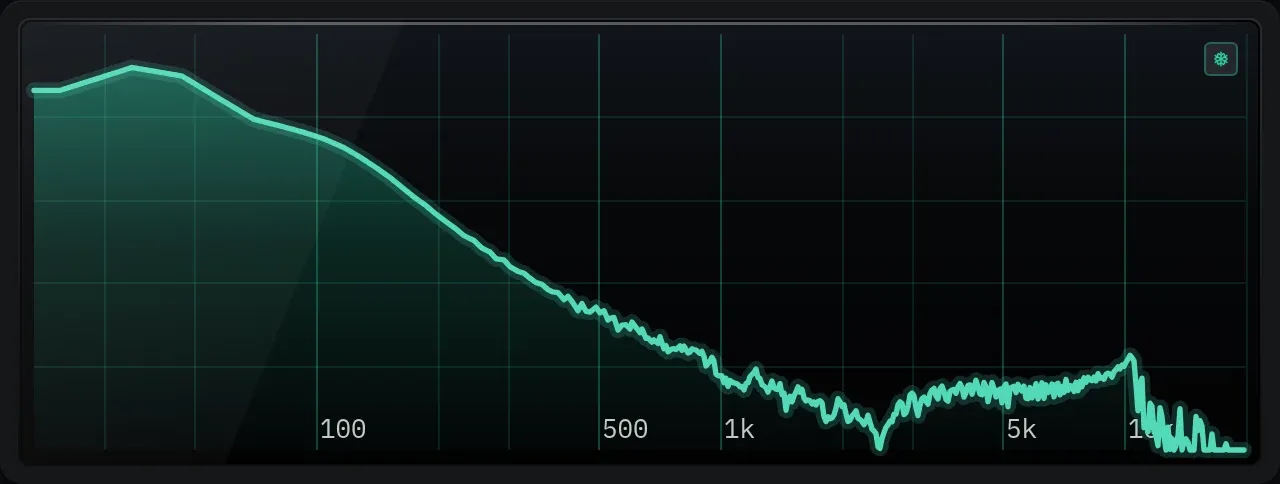
The spectrum, on a fixed scale from 20 Hz to 20 kHz.
A live frequency analyser on a scale that never moves, so you can compare sessions by eye. Hover to read the frequency, the nearest note and the level. If your audio device cannot reach 20 kHz, the part above its limit is shaded.